Moving from Wordpress to Hugo
Everyone’s probably sick of hearing about LLMs now, but I’ve been working with them a bit more recently and I decided it was probably time I used one to update my website.
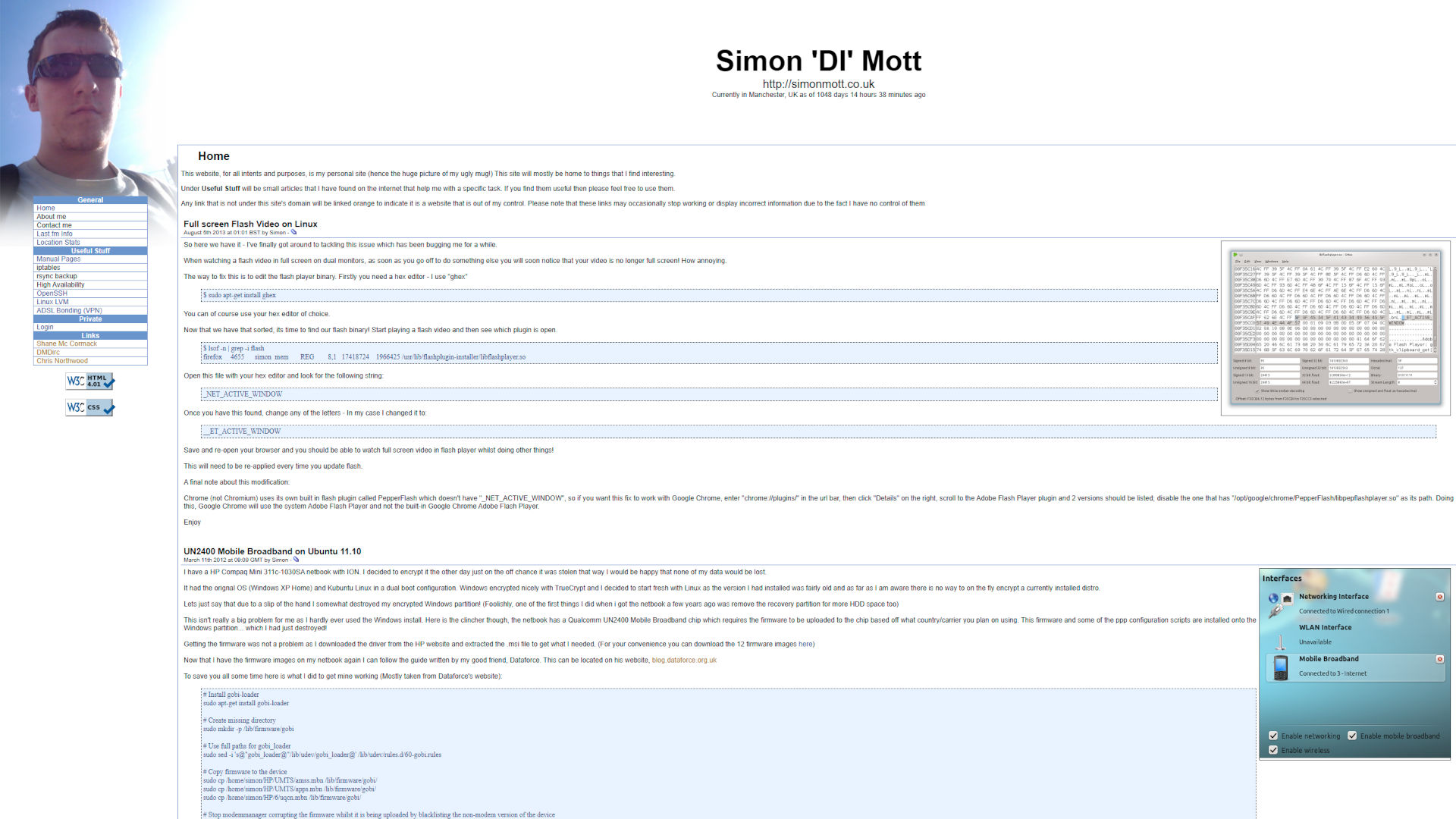
Way back when, my website was originally some PHP I’d cobbled together. At the time it was… fine, I suppose. It had a basic admin section which allowed me to write posts, create custom pages etc. Referencing my recent OwnTracks post, this was the version of my site that had my current location for all to see - which, in hindsight, probably isn’t the smartest thing to publish on a public website… I was, and still am, terrible at creating good looking designs for things, so it was pretty basic, but it served my needs.
I had this version of my website from when I originally created it in 2009, through to sometime in late 2016.
Wordpress
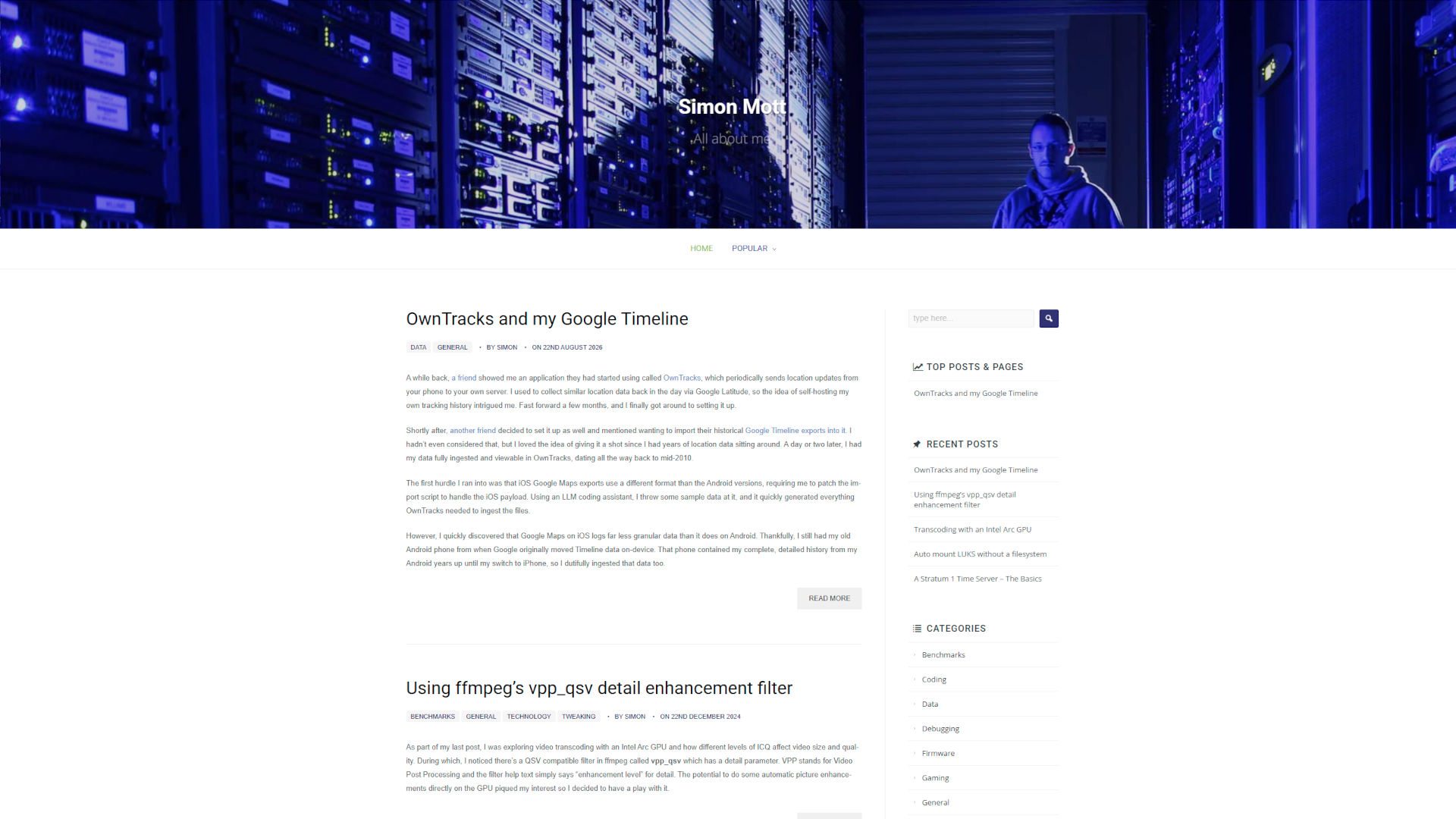
After working in the Managed Services and Hosting industry for a couple of years, I’d decided I wanted to update my website with a shiny new look. Wordpress was the flavour of the month back then, so I figured I’d have a play with it and set that up. I managed to find a theme I mostly liked (I forget where I found it), but I had to apply some basic modifications to it in order to make it fit better on the page. Believe it or not, it was too narrow. I didn’t realize this at the time, but that decision would come back to bite me.
I used to see Wordpress websites getting compromised all the time at work, so I made the decision pretty early on to try and “harden” my install a little bit. This was done by keeping my installed plugins pretty light and anything under the wp-admin folder, including the main Wordpress login form, was restricted using Apache’s mod_auth_basic module, meaning anyone attempting to access it would be presented with a login prompt, which, importantly, was not handled by PHP. My thought process was that most sites seemed to get compromised through the admin plane, and if something tried automated methods, the auth requirement would foil it. Given this was handled entirely by Apache (and was a different set of credentials to the actual Wordpress authentication), it was less likely for anything to exploit any CVEs there, as they simply couldn’t access it. It was a little annoying with two login prompts whenever I wanted to access it myself, but as this was in Apache, I could whitelist my own IP addresses that were likely to access the admin portal. This seems to have worked pretty well for me overall - to my surprise, my website (as far as I know) never got compromised.
I am well-known amongst my friend groups to be pretty lax at applying timely updates. As I mentioned earlier, I’d modified the theme I used, so from that point onwards, I never updated the theme after the initial setup, as doing so would have undone my customizations. I didn’t really understand how theming worked in Wordpress, so I didn’t do my customizations in a way that meant I could easily update the theme. That pain point, plus being lazy with updates, meant I only really did it sporadically, which isn’t an ideal situation to be in.
In a similar manner, the VM the website ran on slowly aged, to the point where I found the thought of updating it annoying, and I simply couldn’t be bothered to migrate everything elsewhere wholesale.
Wordpress itself, or at least the combination of plugins and my theme, wasn’t exactly the most performant. If a crawler decided to request a lot of pages in quick succession, PHP would just churn CPU trying to generate the pages, consuming memory, and quite a few times it fell over due to running out of RAM and consuming all the swap. At this point I decided to play with putting some caching in front of the site. Sure I could have used nginx and been done with it, but I wanted to play around with Apache caching, which is the entire reason this blog post exists.
Overall, Wordpress has served me well for 10 years, give or take a month or two. Looking at archive.org, June 24th 2016 is the last entry for the old design, and August 31st 2016 is the first entry with Wordpress.
Hugo to the rescue
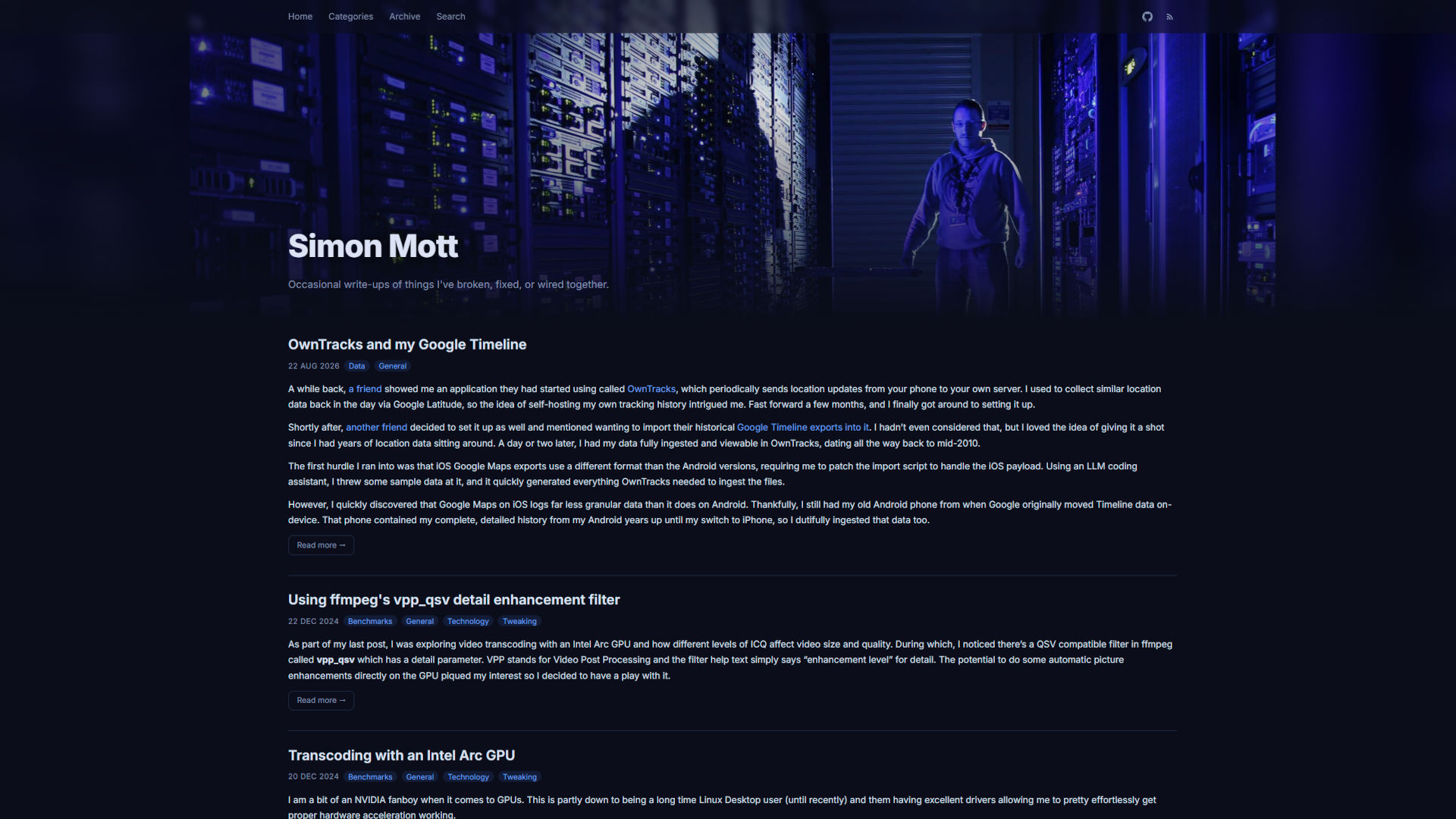
In general, I am a fan of dark mode for all the things. One thing that’s bugged me about my Wordpress site theme of late is how bright it is, with no easy way to change it. This, in combination with the self-imposed mountain-out-of-a-mole-hills of keeping Wordpress and the server updated, meant it was probably time to switch things up.
I’d been aware of Hugo for a while, but I never seriously looked at moving to it, as pulling all the bits I wanted out from Wordpress, reformatting the posts and generally reconfiguring things always seemed like a chore. Thankfully in this day and age we have LLMs that can do a lot of the heavy lifting for us.
I was chatting to Greboid on IRC recently, discussing websites in general, and he decided to start working on a Hugo conversion from Wordpress for me (I assume for fun?) and he came up with a design that is pretty much what this version of my website is based on - excluding a few tweaks I made after the fact.
I had a script that would crawl my website (originally to test the caching), which, as a nice side effect, produced a list of all the URLs reachable on my site. Armed with that, an export from Wordpress itself, and some vague hand-wavy comments and suggestions, an LLM agent dutifully created a Hugo file tree, converted all my posts, brought over Greg’s styling, handled old URL preservation and produced suitable Dockerfile and docker-compose files to build an image for my website.
A quick VM-with-docker template deployment later resulted in a shiny new server that houses my website (and a few other things) with pretty much minimal effort on my part.
A downside of using Hugo is that there are a lot more individual files I myself have to keep on top of instead of just letting Wordpress plugins/themes handle everything, but the main benefit to using Hugo over Wordpress is that it’s much simpler to chop and change things as I see fit. Of course, the main advantage here is that the website is a static site, so doesn’t rely on PHP or anything like that, and is blisteringly fast compared to the old site.
For nostalgia’s sake - here are some screenshots showing the 3 main styles from the original to now. I have come to realise my website design caters to my vanity as they all have a giant picture of me. The Hugo one is included here for if/when I change the design again in the future.